PPV Streaming Tips
PPV Live Streaming Hacks: 10 Ways to Make Checkout Easy
If you sell access to live video, the fastest way to lose a customer is often not the stream itself — it is the moment between interest and payment. For pay-per-view events, a smooth checkout matters as much as the show page, the replay plan, and the live broadcast workflow.
This guide focuses on a narrow, useful problem for PremStream creators: how to make PPV checkout feel simple, trustworthy, and immediate without rebuilding your whole event funnel. The good news is that a few small changes can remove a lot of buyer hesitation. That matters whether you are selling a concert, a workshop, a fitness class, a conference session, or a premium replay.
PremStream already gives creators the core pieces they need: ticketed live streams, replay access, promo codes, customer purchase information, and support for major streaming software. The hacks below help you use those tools more effectively and present a cleaner buying experience.
1. Put the event promise in the first screen
Before a viewer sees the price, they should understand what they are buying. Lead with one clear sentence that answers: what is this, when does it start, and what do I get?
What to include above the fold
- The event type: live performance, training, match, class, or keynote
- The access type: live only, live plus replay, or replay included
- The start time and time zone
- One specific outcome or benefit
For example: “Watch the live masterclass at 7 PM ET and get replay access for later review.” That kind of clarity reduces hesitation because buyers do not need to decode the offer.
2. Use one primary CTA and keep it consistent
Too many buttons create decision fatigue. If your page has multiple purchase paths, labels, or links that all compete for attention, some visitors will pause instead of buy.
Pick one main action such as Buy access or Get ticket, then repeat the same wording throughout the page. Keep the visual style consistent so buyers know exactly what to expect when they click. If you include a promo code field, make it secondary to the main purchase flow.
3. Treat promo codes as a conversion tool, not a discount dump
Promo codes can do more than lower the price. They can help you segment audiences, reward email subscribers, or give partners a clean way to share access.
Smart promo code use cases
- Early-bird access for your core audience
- Partner or sponsor codes for specific communities
- Private codes for students, members, or repeat buyers
- Last-minute reminder codes for people who clicked but did not purchase
The key is restraint. Too many codes can confuse people or make the event feel less premium. Use them with a clear reason and a clear expiration window.
4. Make replay access obvious before someone checks out
One of the strongest PPV selling points is that a live ticket can also include replay access. That is especially useful for conferences, trainings, educational sessions, and any event where viewers may be in another time zone or unable to attend live.
If your replay policy is buried, buyers may assume they must watch live or miss out entirely. Instead, state the replay promise plainly on the ticket page and near the buy button. PremStream’s live-event setup includes replay access for at least 14 days, which makes it easier to reassure hesitant buyers who need flexibility. See PremStream’s FAQ for current replay and access details.
5. Reduce checkout uncertainty with simple trust cues
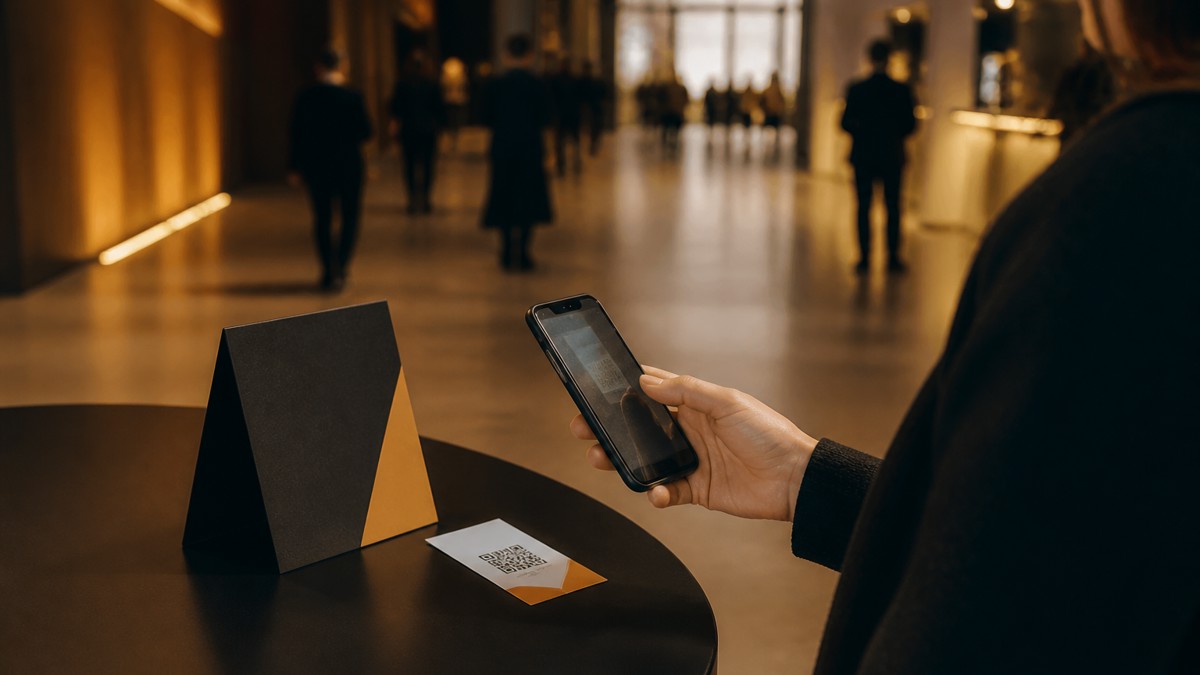
You do not need heavy design to build confidence. You need proof that the purchase will work as expected.
Trust cues that help
- Clear event date and time
- Specific access description
- Refund or support language if your policy allows it
- Device compatibility note if relevant
- Short reminder that viewers can log in with the same email used at purchase
People often hesitate because they worry about missing the stream, buying the wrong item, or not being able to find the event afterward. Clear instructions remove that anxiety.
6. Keep the ticket page readable on mobile first
Many PPV purchases happen on phones, especially when audiences discover an event through social media, text messages, or direct links. If your page is cluttered on mobile, the buyer may never make it to checkout.
Use short blocks of text, visible pricing, and simple section breaks. Avoid forcing users to scroll through long paragraphs before they reach the purchase button. If you include supporting details like lineup, agenda, or access notes, place them below the main decision point.
Mobile rule of thumb: if a buyer can understand the offer, confirm the time, and start checkout without zooming, you are in good shape.
7. Build a pre-sell path for people who are not ready yet
Not every visitor will buy the first time they land on your event page. That is normal. Your job is to give them a clean next step instead of letting the visit end there.
You can use pre-sell language such as “Save the date,” “Join the list,” or “Get reminded before showtime” and then follow up with the purchase link later. For educational events and conferences, this is especially useful because the audience may need internal approval, schedule confirmation, or a reminder to attend.
If you already know your audience from past purchases, use customer purchase information to tailor follow-up messages. Someone who bought a replay before may respond better to a “watch on your own schedule” message than a generic hype blast.
8. Match the offer to the event type
A concert, a fitness class, and a professional workshop are not sold the same way. Your checkout flow should reflect what buyers care about most.
| Event type | What buyers usually want | Checkout emphasis |
|---|---|---|
| Concert or live performance | Energy, exclusivity, easy access | Showtime, live viewing, replay availability |
| Education or training | Clarity, notes, flexibility | Replay access, time zone, learning outcome |
| Fitness or wellness | Scheduling convenience, routine, motivation | Class time, repeat access, simple entry |
| Conference or panel | Agenda value, session relevance | Topic summary, replay window, access details |
When the language matches the audience, buyers feel like the event was built for them.
9. Test the purchase flow like a first-time customer
The easiest mistakes to miss are the ones you never see because you already know the system.
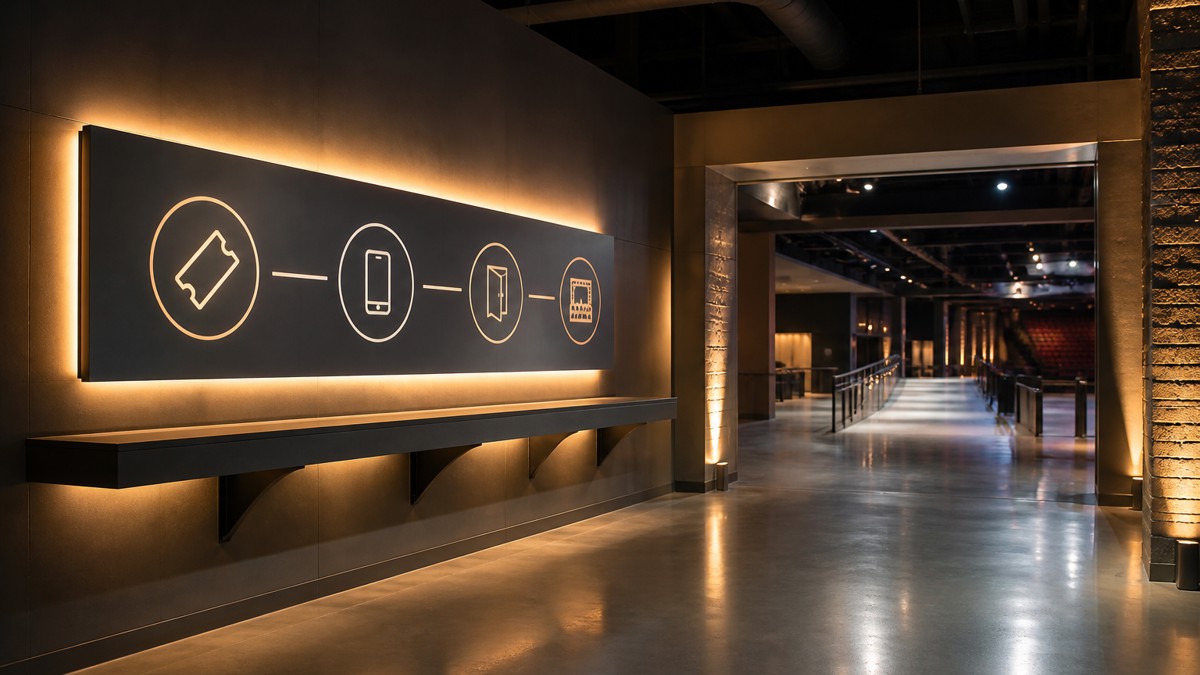
Before launch, test the page on a phone and a desktop. Try the page from a fresh browser session. Use your own instructions exactly as a customer would. Can you find the event? Can you understand the offer? Can you reach checkout without confusion? Can you locate the event afterward?
If something feels vague to you, it will probably feel worse to a first-time buyer.
10. Give buyers a clear “what happens next” moment
The sale is not the end of the customer experience. The post-purchase message should tell viewers exactly how to watch, where to find their order, and what to do if the event is about to start.
PremStream’s FAQ notes that purchasers can log in with the same email used for the purchase, find items in My Orders, or use the order confirmation email to access the event. That kind of guidance lowers support requests and helps live viewers arrive on time. Review PremStream’s access instructions here.
Best PPV checkout experiences feel invisible: the buyer understands the offer, trusts the access, and reaches the stream without extra thinking.
How to apply these hacks on your next PremStream event
If you want a simple rollout plan, start here:
- Rewrite the first screen so the event, time, and access type are obvious.
- Reduce the number of competing buttons.
- Make replay access visible near the purchase decision.
- Add one or two trust cues that answer common buyer doubts.
- Test the full path from a mobile phone before launch.
Then use PremStream’s onboarding and feature set to build from there. If you are ready to create a cleaner buying experience for your next ticketed stream, explore PremStream features and start onboarding.
FAQ
What is the biggest checkout mistake in PPV live streaming?
The biggest mistake is making buyers work too hard to understand what they are buying. Confusing access details, hidden replay rules, and too many competing calls to action can all reduce conversions.
Should I offer replay access for every PPV event?
Not always, but it is often a strong fit for education, conferences, and training. If replay access makes sense for your audience, say so clearly before checkout.
Do promo codes help or hurt premium positioning?
They help when used intentionally. A well-timed code can reward loyal viewers, support partners, or recover hesitant buyers. Too many codes can make the event feel discounted and unfocused.
Can PremStream support both live tickets and replay access?
Yes. PremStream supports ticketed live streams and premium video, and its FAQ notes replay access for live events for at least 14 days.
Conclusion: Better PPV checkout is mostly about removing doubt. When your event page explains the offer clearly, uses one strong call to action, and sets expectations for replay and access, more of the right people will feel comfortable buying. That is a practical win for any creator selling premium live video.