Creator Marketing
How to Post Free Content That Sells Paid Content
If you sell paid video content or live access on PremStream, your free social posts should do one job: make the right viewer curious enough to click through and buy. The best free posts do not “give everything away.” They preview the payoff, prove your style, and make the next step obvious.
This guide shows how to post free content on YouTube, Instagram, Facebook, and TikTok in a way that supports paid content on PremStream without feeling spammy.
1. Post a teaser, not a full sample
Your free content should feel like the first minute of a paid experience, not a replacement for it. Think in terms of a strong hook, one useful moment, and a clear reason to want more.
- YouTube: publish a short highlight clip, trailer, or “best moment” video that ends before the full payoff.
- Instagram: use Reels, Stories, and carousel posts to show a striking moment plus a short caption that teases the full set, lesson, performance, or event.
- Facebook: post a native video clip with a brief written setup and a direct link for viewers who want the full paid version.
- TikTok: lead with the most interesting 1–3 seconds, then cut before the main reveal so viewers want the rest.
The point is to preview value, not exhaust it. A strong teaser works because it creates a clean handoff from free discovery to paid access on PremStream.
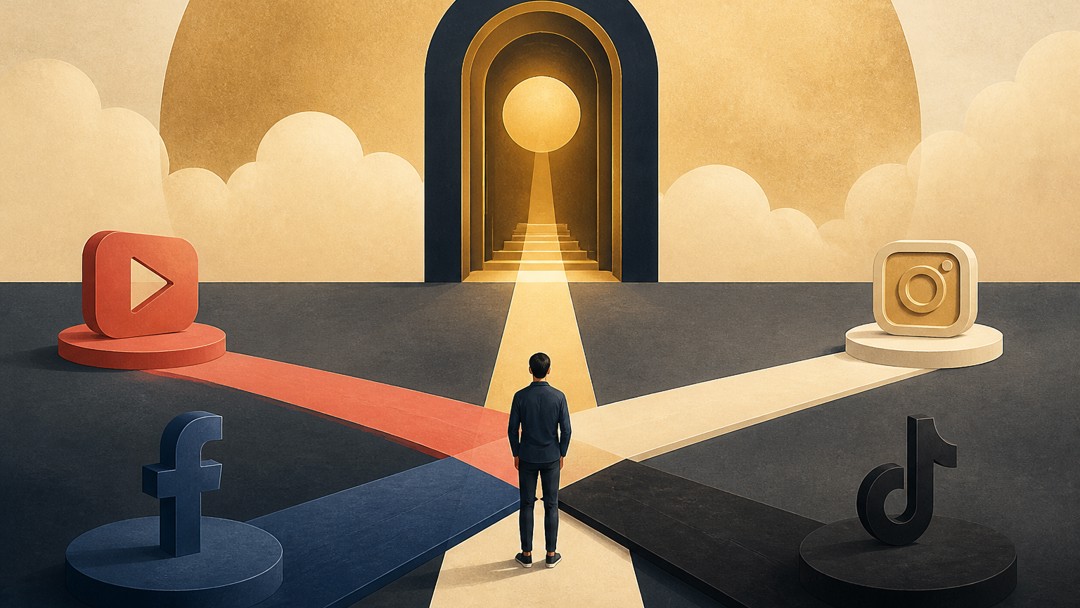
2. Give every platform a different job
One mistake creators make is posting the exact same clip everywhere. Instead, assign each platform a role based on how people use it.
| Platform | Best role for free content | What to post |
|---|---|---|
| YouTube | Searchable discovery | Trailers, highlight reels, topic-based clips, recap videos |
| Style and relationship building | Reels, behind-the-scenes moments, quick proof clips, Stories | |
| Community and repeat exposure | Native video posts, event reminders, discussion prompts, longer captions | |
| TikTok | Fast reach and curiosity | Short hooks, transformations, quick demonstrations, reaction-style clips |
That division matters because people discover, compare, and buy in different ways. YouTube can do the heavy lifting for search; TikTok can create first contact; Instagram can reinforce credibility; Facebook can help keep your audience warm.
3. Build a repeatable clip formula
Free content works better when viewers recognize the structure. Use a simple formula you can repeat across platforms without making each post feel identical:
- Hook: start with the most surprising or useful moment.
- Context: explain what the viewer is about to see in one sentence.
- Proof: show the result, skill, outcome, or atmosphere.
- Next step: tell viewers where the full version lives.
For example, a fitness coach could post a 20-second TikTok showing the hardest rep and a quick tip, then direct viewers to the full training session on PremStream. A conference producer could share a 30-second speaker excerpt, then invite viewers to watch the full session access. A musician could post the chorus hook, then point fans to the full live performance or exclusive set.
Tip: keep the call to action specific. “Watch the full masterclass on PremStream” is clearer than “link in bio.”
4. Make the jump from free to paid feel natural
People buy when the free post answers one question and raises another. Your caption, thumbnail, and on-screen text should make the transition feel logical.
- Use captions that frame the payoff: “Here’s the 30-second preview. The full breakdown is available on PremStream.”
- Use pinned comments wisely: add the link or directions to the paid destination where the platform allows it.
- Match the tone: if the free clip is polished and educational, the paid offer should feel like the full, deeper version of the same experience.
- Offer a reason to upgrade: mention what the paid version includes, such as full-length access, extended Q&A, replay access, or bonus material.
PremStream supports selling live streams, prerecorded content, and premium video, so you can align the teaser to the exact offer type. Use the free post to make the value obvious, then let the paid page do the selling.
5. Use analytics to decide what to post next
Don’t judge your free content only by likes. Look for the signals that predict paid conversions: watch time, saves, comments, profile visits, link clicks, and repeat viewers.
- On YouTube: watch which topics keep people watching past the opening seconds.
- On Instagram: check which Reels generate saves and shares, not just views.
- On Facebook: notice which clips create comments or replays from your existing audience.
- On TikTok: pay attention to hook retention and whether people ask for the full version.
Use that data to decide whether your next free post should be more educational, more dramatic, more behind-the-scenes, or more direct. The goal is to create a small library of posts that consistently lead to paid viewing on PremStream.
If you want to turn free social clips into a reliable sales funnel, start by planning one teaser for each paid offer and matching it to the platform where it will perform best.
PremStream makes it easier to connect that free-to-paid path with premium video, live stream access, promo codes, and audience insights. If you’re ready to organize your offers and start onboarding, explore the features here: PremStream features and onboarding.
Next step: choose one paid offer, create one 15- to 30-second teaser, and adapt it into four platform-specific versions before you post again.