
Live Streaming Strategy
10 ways to make a paid live stream feel more interactive
When viewers pay for access, they expect more than a camera pointed at a stage. They want the feeling that the event is happening with them, not just in front of them. That is especially true for musicians, instructors, conference hosts, and independent event producers who rely on paid live streams, replay sales, or premium video bundles to make the format profitable.
This list focuses on one practical problem: how to make a paid stream feel interactive without turning production into chaos. The ideas below work whether you are selling a one-night performance, a coaching session, a masterclass, or a ticketed live experience with replay access. PremStream’s live access, replay support, premium video tools, promo codes, and customer purchase information make this kind of format easier to package and measure. Explore PremStream features and start onboarding if you want a cleaner path from event page to checkout to replay.
1. Open with a direct address, not a long intro
Paid viewers should hear from a person quickly. Start with a host, artist, coach, or speaker looking into the lens and speaking directly to the audience. Say what is happening, what they will get, and how participation works.
Good examples:
- “Welcome in — we will start in one minute, and I’ll show you where to submit questions.”
- “If you bought access for the replay, you’ll still get the full session after we go live.”
- “Tonight’s stream includes a bonus segment at the end for ticket holders.”
This opening does two jobs at once: it reassures buyers that the stream is live and it tells them how to participate. That is a small change, but it immediately makes the experience feel more premium.
2. Give the audience a job in the first five minutes
Most streams feel passive because viewers are told to watch, but not to do anything. Give them one simple action early: vote on a topic, drop their location in chat, choose between two demo options, or submit questions in a specific format.
For example, a fitness coach might ask viewers to type the equipment they have at home. A conference presenter might ask which problem the session should solve first. A performer might let fans choose the next song from two options. The point is not to create constant chaos; it is to create a reason to stay engaged.
Tip: keep the first audience action low-friction. One click or one short message is enough to break the “I’m just watching” mindset.
3. Use visual cues to show when participation is welcome
Interactive streams do better when viewers can tell, at a glance, what is expected of them. Use a consistent on-screen card, lower-third, or verbal cue that signals the current mode of the event.
You can label segments like:

- Watch — a performance, announcement, or demo
- Join — a poll, Q&A, or request segment
- Save — a key takeaway, exercise, or talking point
This structure is especially useful for paid content because it helps the audience understand that their ticket includes an organized experience, not an improvised one.
4. Put one person in charge of chat, not everyone
A live chat can make an event feel alive, but only if someone is actively managing it. Assign one person to watch questions, remove noise, surface useful comments, and flag recurring issues for the host.
That role matters because it prevents the presenter from trying to read, answer, and perform all at once. A well-run chat moderator can collect the best questions and pass them forward at the right moment, which keeps the stream moving while still rewarding engagement.
If your event is paid, this role also protects the buyer experience. The moderator can answer access questions, remind people where replay details live, and help keep the room focused on the content they paid for.
5. Build one “pause point” into every segment
Instead of talking continuously, design small pauses where viewers can react. That could mean a question after each teaching block, a five-second hold before a song request, or a short reflection window after a keynote point.
These pauses make the stream feel conversational. They also help viewers process information, which is especially valuable for education, workshops, and professional events where the replay may be used later as reference material.
Hypothetical example: A business trainer could deliver a ten-minute lesson, stop for two audience questions, then move to the next section. The pause is not filler; it is the structure that turns a lecture into a live event.
6. Add one premium-only moment that cannot be copied from social video
If your paid stream looks identical to a free clip, buyers may not feel the difference. Include one moment that clearly belongs inside the ticketed experience: a behind-the-scenes segment, a deeper breakdown, a live critique, a bonus song, a Q&A, or an extended tutorial.
This does not have to be elaborate. It just has to be specific. Viewers should think, “I would not get this from a short public clip.” That feeling is what helps a live stream justify a price and makes the replay easier to market afterward.
7. Use audience prompts that create useful content for the replay
Interaction should not disappear when the live event ends. The best prompts also strengthen the replay. Ask questions that lead to clear answers, good headlines, or memorable moments you can reuse in future marketing.
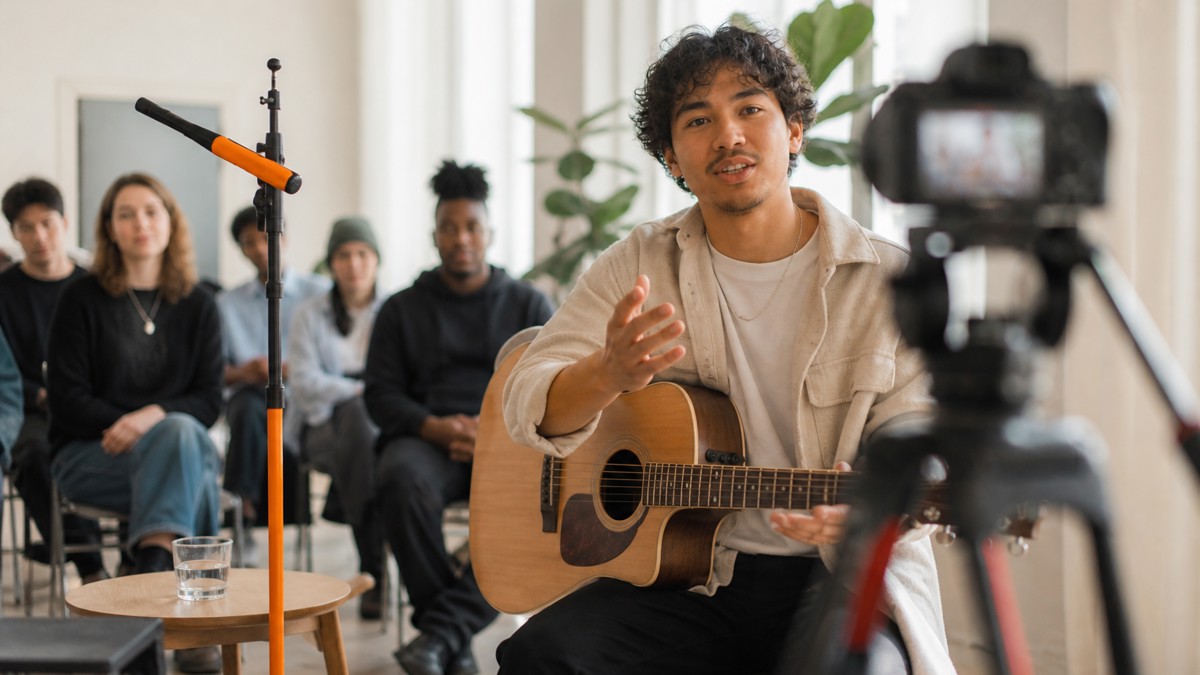
Examples:
- “What is the one obstacle you want solved today?”
- “Which scene, song, or technique should we revisit after the break?”
- “What would make this replay worth watching again next week?”
These prompts help you gather material for future clips, email follow-ups, and premium video offers. With PremStream’s customer purchase information, you can also follow up more intelligently with people who engaged or bought access to a specific event format.
8. Keep transitions short and purposeful
Nothing kills momentum faster than dead air while someone changes slides, swaps instruments, or hunts for a file. Rehearse the handoff between segments so the stream always has a next step.
At a minimum, identify:
- who speaks during the transition;
- what viewers should do while waiting;
- how long the pause should last;
- what visual appears on screen if the setup takes longer than planned.
That way, even a technical pause still feels intentional. A small amount of planning can preserve the premium feel of the event, especially when people are paying for access.
9. Reward participation with a clear follow-up offer
If someone asks a good question or participates actively, acknowledge it and give them a next step. That might be a replay reminder, a related premium recording, a future live session, or a promo code for the next event.
This is where paid-stream monetization and audience care can work together. You are not just selling a one-time ticket; you are building a return path. Promo codes can be especially useful here because they let you reward loyal viewers, partner audiences, or repeat buyers without changing the core event page for everyone.
Example: a coach could offer a return-buyer code for a follow-up class, while a performer could use a post-show code for a behind-the-scenes recording or encore replay package.
10. Treat the replay as part of the live experience
Interactive paid streams often get stronger after the event, not weaker. If the replay is easy to access and clearly framed, late buyers still feel included. That means the live session should be built with replay value in mind: clean openings, clear segment titles, audible questions, and a structure that still makes sense later.
After the stream ends, make the replay feel like a real product. Label what viewers will get, note whether bonus content is included, and keep the description specific. PremStream supports replay access and premium video, so you can package the live moment and the on-demand version together instead of treating them as separate projects.
Bottom line: the more your audience feels invited to respond, the more your paid stream feels worth paying for. A few intentional cues, a moderator, a clear structure, and one or two premium-only moments can turn a standard broadcast into a live experience people remember, share, and buy again.